The 3-meeting challenge with Limly: test your new copilot
Michell Anyosa
3/4/2026
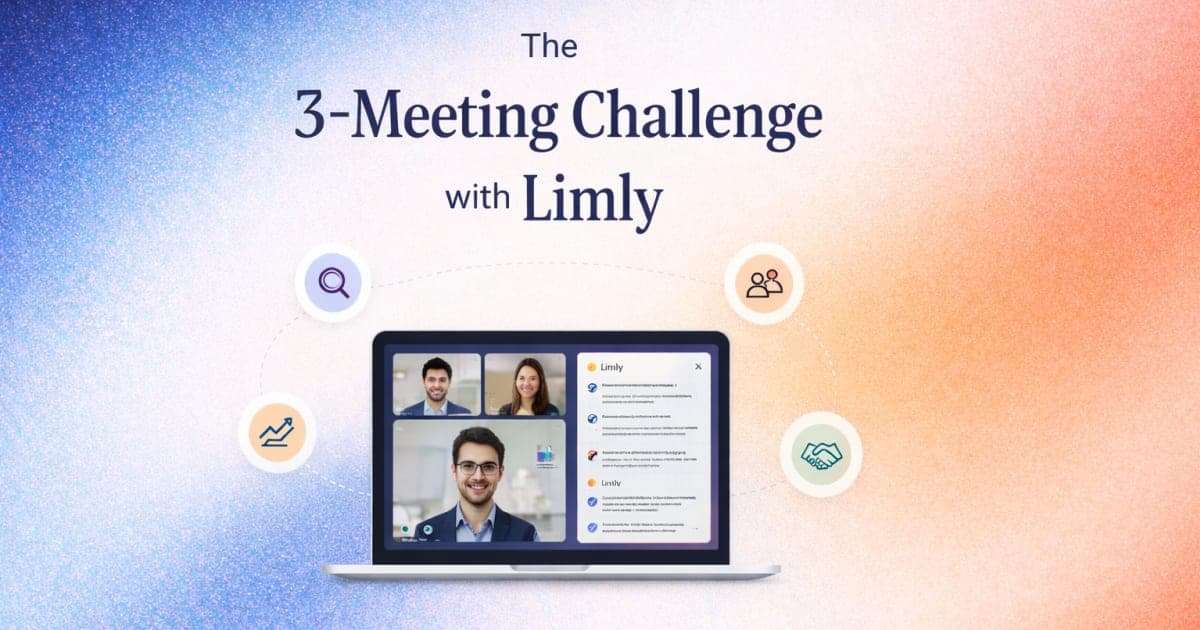
You don't need a huge rollout to know if Limly fits your way of working. You just need three meetings and a bit of curiosity.
Here's the challenge.
Step 1 — Download Limly
Download Limly for Windows or macOS and install it before your next call.
Step 2 — Use it in these three meetings
- One sales or discovery call.
- One internal sync (team, product, ops).
- One customer or follow-up meeting.
Step 3 — Actually use what makes Limly different
In each meeting:
- Turn on invisible mode so nobody sees it when you share your screen.
- Ask the AI questions mid-call:
- "Summarize what we've agreed so far."
- "What are their main objections?"
- "Create a short recap of the last 10 minutes."
- Let Limly build a real-time summary as you talk.
- Add relevant docs or context before the call so the AI has more to work with.
Step 4 — Use the output
When the meeting ends, use the summary to:
- Send a follow-up email in a few clicks.
- Update your CRM or project tool.
- Share decisions with your team.
Step 5 — Ask yourself honestly
After those three meetings:
- Was I more present and less distracted by note-taking?
- Did I understand risks, objections and next steps more clearly?
- Did I move faster from "we talked" to "we acted"?
If the answer is yes, you've just met your new copilot.
It's live right now
Limly is not a future idea — it's live, with free and paid options so you can grow into it, not jump all in at once.
Three meetings. One invisible AI copilot. You decide if it deserves a permanent seat in your workflow.
👉 Download Limly now and run your first challenge.
👉 Join the WhatsApp community to share your 3-meeting experience and influence the roadmap.
#Limly #AI #Meetings #RealTimeSummaries #Founders #Teams